Hong Kong Airlines Check-in Information
AirlinesOffice.com »
Major Airlines » Hong Kong Airlines » Check-in
Passengers traveling with Hong Kong Airlines can check in conveniently through
online services, airport self-service kiosks, or staffed airport counters. These
options enable travelers to obtain their boarding passes and complete all
required pre-departure formalities before proceeding to security screening and
boarding.
Online / Mobile Check-in
Hong Kong Airlines offers online and mobile check-in through its official
digital platforms. Passengers can access bookings, confirm itineraries, select
seats, and obtain boarding passes. Digital boarding passes are accepted at
supported airports, allowing streamlined processing for eligible travelers.
Self-Service Kiosks
Self-service kiosks are installed at
Hong Kong International Airport
and other key locations. These kiosks enable passengers to check in, update seat
assignments, and print boarding passes. Baggage tag printing is available where
automated systems are supported.
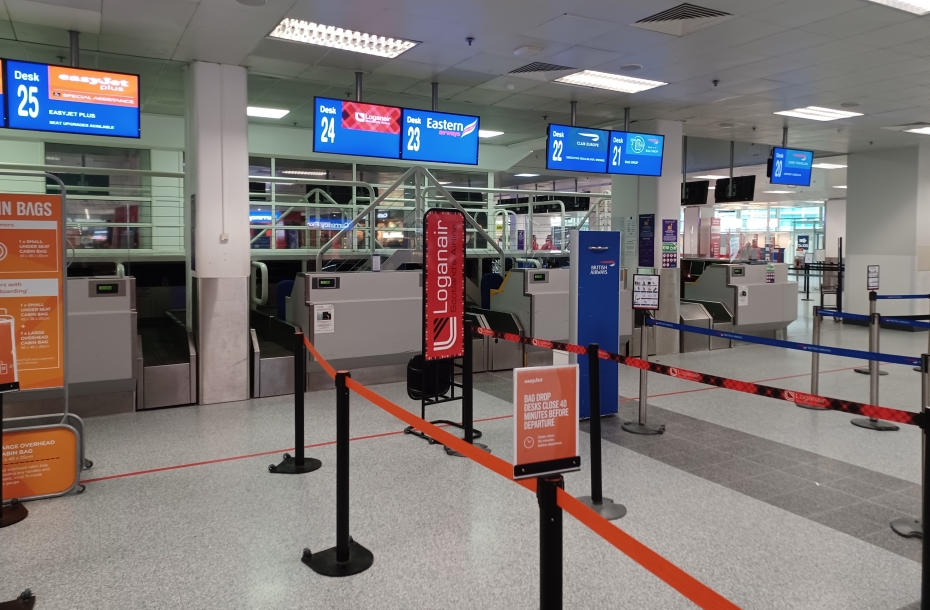
Airport Counter Check-in
Airport counters provide comprehensive check-in services, including document
verification, baggage handling, and ticketing assistance. Dedicated counters are
available for business class passengers and frequent flyer members. All
passengers must comply with check-in deadlines to ensure boarding eligibility.
Special Assistance
Passengers requiring special assistance must inform the airline prior to travel
and report to check-in counters upon arrival. Services include mobility support,
assistance for elderly passengers, and coordination for unaccompanied minors.
Medical cases require documentation and approval during the check-in process.
Shall you need further information, please contact the Hong Kong Airlines Call Center
in Hong Kong as provided below.
| Head Office (HQ) | Tel | |
|---|---|---|
|
Hong Kong Airlines 5N024 Level 5, Terminal 1 Hong Kong International Airport Lantau, Hong Kong |
+852 3916 3666 950715 (Mainland China only) |
call.center@hkairlines.com |
undo...back